
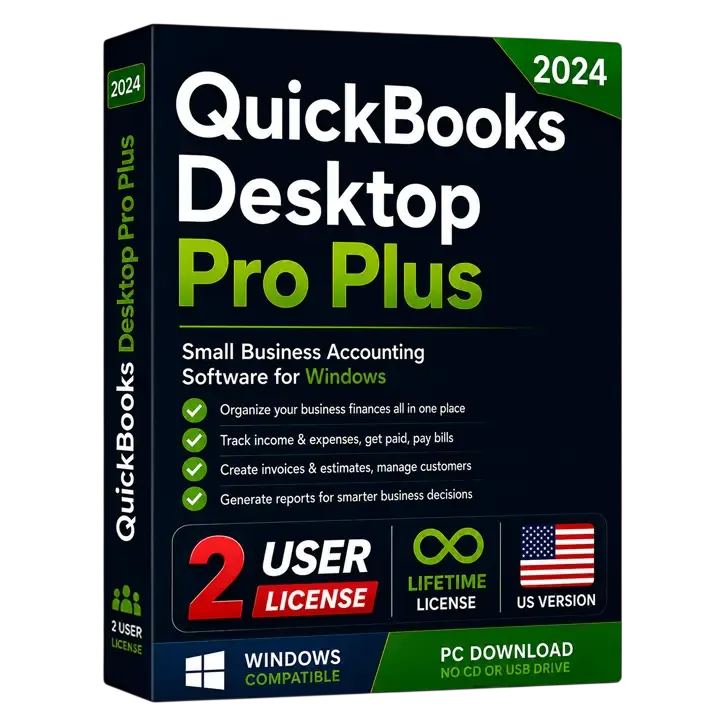
QuickBooks Desktop Pro Plus 2024 US Edition (2 Users)
Powerful desktop accounting for up to 2 users. One-time purchase, genuine license key, instant email delivery.
One-time payment · No subscription
Lifetime License
One-time payment
Genuine Intuit
100% Authentic
Instant Delivery
Delivery in minutes
Select number of users
Seats are simultaneous users — how many people are in the company file at the same moment, not how many work at the business.
Not sure? Start lower. Moving up later costs the difference between tiers, not a new license. How to count yours

License never expires. Intuit’s connected services for the 2024 release (payroll, bank feeds, Payments) end 31 May 2027 — the software keeps running. What this means
Instant Delivery
Get your license key
within minutes
60-Day Money Back
If it doesn't activate,
we fix it or refund
Secure Payment
Encrypted checkout
Need Help?
Chat with our support
We're here to help
What you get, step by step
From payment to a working copy of QuickBooks — usually in a few minutes.
Instant access to your purchase
As soon as your payment clears, we email you the official Intuit download link for the exact edition you bought — no waiting, no shipping.
Your genuine license details
The same email carries the credentials that activate your copy. Keep them safe: they are what proves the license is yours.
Install and activate
Run the installer, paste your codes into the activation screen, and you are working. If anything blocks, our step-by-step guide covers it.
Installation guide
What your license looks like
Format only — your real codes arrive by email.
- License number
- XXXX-XXXX-XXXX-XXX
- Product number
- XXX-XXX
- Validation code
- Included with your key
Overview
QuickBooks Desktop Pro Plus 2024 US Edition (2 Users)
Powerful desktop accounting for up to 2 users. One-time purchase, genuine license key, instant email delivery.
QuickBooks Desktop Pro Plus 2024 is the locally-installed accounting solution built for small businesses that want dependable, full-featured bookkeeping without a monthly subscription. It supports up to three simultaneous users, so an owner, a bookkeeper and an assistant can work in the same company file at once while QuickBooks keeps everyone's entries in sync. Because it is the 2024 Plus edition, it includes the latest features, security patches and unlimited customer support for the supported period.
On the accounting side, Pro Plus covers the complete day-to-day cycle: create and email professional invoices, record expenses and bills, reconcile bank and credit-card accounts, track sales tax, run payroll-ready reports and manage your chart of accounts. It ships with more than 100 built-in financial reports — profit & loss, balance sheet, A/R and A/P aging, cash-flow and customizable summaries — so you always know exactly where the business stands. You can also manage customers and vendors, attach documents to transactions, and import your bank feeds to speed up data entry and the month-end close.
Basic inventory tracking is included: you can record products, monitor quantities on hand and see what needs reordering, which is ideal for service businesses and light product sellers. Where Pro Plus stops is advanced inventory and industry-specific tooling — if you need FIFO costing, barcode scanning, sales orders or assemblies, the Premier or Enterprise editions are the better fit. For most small businesses that simply need accurate books, professional invoicing and reliable reporting, Pro Plus has everything required.
Because this is the Desktop edition, your data lives on your own computer rather than in the cloud, giving you fast performance on large files and full control of your records. You receive a genuine activation key and the official Intuit download, install QuickBooks once, activate it and own that version — there is no recurring fee. Migrating is straightforward too: you can carry over an existing company file or import lists from spreadsheets. That makes Pro Plus a cost-effective, long-term choice for established small businesses that value privacy, speed and a one-time price.
- One-time payment — no subscription or monthly fees
- Genuine license key with lifetime access
- Instant email delivery within minutes
- Works offline on your own computer
- Up to 2 simultaneous users
- Track income, expenses & cash flow
- Create & send professional invoices
- 100+ built-in business reports
- Genuine Intuit downloadOfficial installer link
- One-time purchaseNo subscription, no renewal
- Installed locallyRuns on your own machine
- Your data stays yoursCompany file never leaves your PC
Key features
Everything included in Pro Plus 2024 US Edition (2 Users)
6 capabilities, all covered by the one-time license.
- Up to 2 simultaneous users
- Track income, expenses & cash flow
- Create & send professional invoices
- 100+ built-in business reports
- Bank feeds & reconciliation
- Automated backups & security updates
What's included
Everything that arrives in your delivery email
Sent to the address you check out with — nothing ships, and there is nothing else to buy.
- QuickBooks Desktop Pro Plus 2024 US Edition (2 Users)
- License key (2 Users)
- One-time payment — no subscription or monthly fees
- Genuine license key with lifetime access
- Instant email delivery within minutes
- Works offline on your own computer
- Free installation guidance from our team
- 60-day refund policy — we fix it or refund you
Requirements & specs
System requirements & specifications
Check your computer meets the requirements, and see exactly what this license covers.
System requirements
What your computer needs for a clean install.
- Operating systemWindows 10 or Windows 11 (64-bit), all editions
- Processor2.4 GHz minimum
- RAM8 GB minimum (16 GB recommended)
- Disk space2.5 GB available (additional space for data files)
- Display1280×1024 or higher
- InternetRequired for download, activation and updates
Product specifications
What you get with QuickBooks Desktop Pro Plus 2024 US Edition (2 Users).
- Edition
- Pro Plus 2024
- Users
- Up to 2
- Platform
- Windows 10 / 11 (64-bit)
- License type
- One-time purchase
- Delivery
- Instant email delivery
- Support
- Chat + email
What our customers say
5.0 out of 5 based on 1 reviewTX, USA
Perfect for a small business
We use QuickBooks for invoices, expenses, customers and financial reports. The Desktop version works very well for our business.
FAQ
Questions about this product
Find quick answers to the most common questions about QuickBooks Desktop Pro Plus 2024 US Edition (2 Users).
Compare tiers
Is this edition right for you?
Who should buy it
- Small businesses with one to three people who need the same company file at the same time.
- Owners who prefer a one-time purchase over an ongoing monthly QuickBooks Online subscription.
- Service-based and light-inventory businesses that need solid bookkeeping and 100+ reports, not warehouse-grade inventory.
Best use cases
- Invoicing and expense tracking
- Bank & credit-card reconciliation
- Sales-tax and financial reporting
- Basic inventory for small product lines
Ideal business types
- Consultancies & agencies
- Tradespeople & contractors (light)
- Local retailers & e-shops
- Freelancers and startups
How it compares
Desktop vs Online
QuickBooks Desktop Pro Plus is installed locally with a one-time license and no monthly fee, runs fast on large files and keeps your data on your own machine. QuickBooks Online is a cloud subscription billed monthly. If you want activation and no recurring cost, Desktop is the better value.
Desktop vs Online, in detailPro Plus vs Enterprise
Pro Plus tops out at three people in the file at once and is sized for one small company's books. Enterprise picks up where that ends, with more seats, far larger lists and deeper reporting for an operation that has outgrown it. If three seats cover your busiest day, Pro Plus is the simpler and cheaper buy.
Pro Plus or Enterprise?Download, install & activation guide
Your license is delivered by email with the official Intuit download link and your product codes. Follow these steps to get up and running in minutes.
- 1
Download
After purchase you receive the official Intuit download link for QuickBooks Desktop Pro Plus 2024 in your email along with your license and product numbers.
- 2
Install
Run the installer, accept the license agreement and choose Express install. Pick the folder for your company file (or create a new one) when prompted.
- 3
Activate
Open QuickBooks, go to Help → Activate QuickBooks Desktop, and enter the License Number, Product Number and Validation Code from your PDF. Activation takes a few seconds.
- 4
Troubleshoot
If activation does not complete, do NOT click 'Message Now' — select 'Issues with activation?' and enter your validation code, or simply reply to our email and our support team will guide you step-by-step.
Why customers trust FinoTax
Secure Checkout
Payments are processed over encrypted, PCI-compliant providers.
Fast Digital Delivery
Your license is delivered by email after payment — usually within minutes.
Email Customer Support
Real help with download, install and activation — just reply to your email.
Refund Policy Available
Orders are covered by our published refund policy.
Privacy Protected
We only collect what's needed to fulfill your order. See our privacy policy.
Instant Order Confirmation
You get an on-screen and email confirmation as soon as your payment completes.
You may also like
 Most Popular20241 UserLifetimeOne-Time Payment
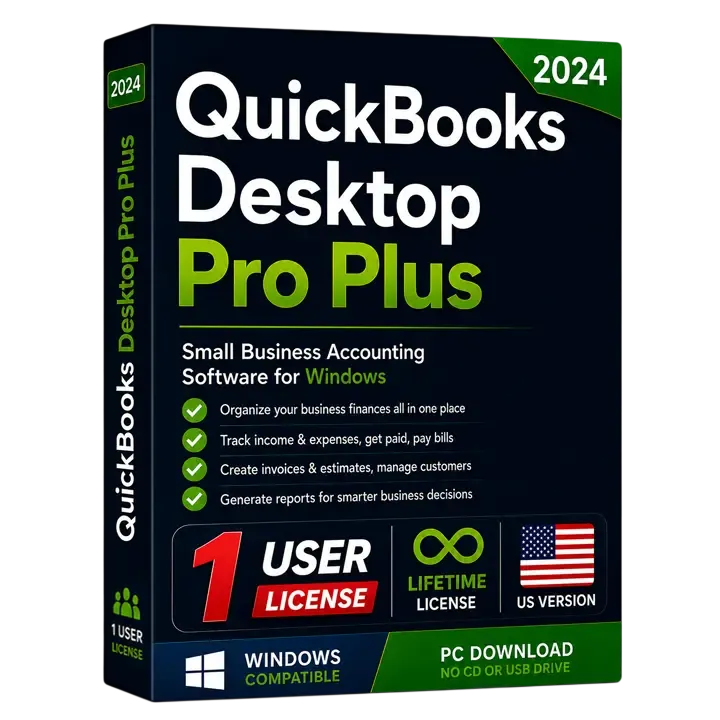
QuickBooks Desktop Pro Plus 2024 US Edition (1 User)
Powerful desktop accounting for a single user. One-time purchase, genuine license key, instant email delivery.
 20243 UsersLifetimeOne-Time Payment
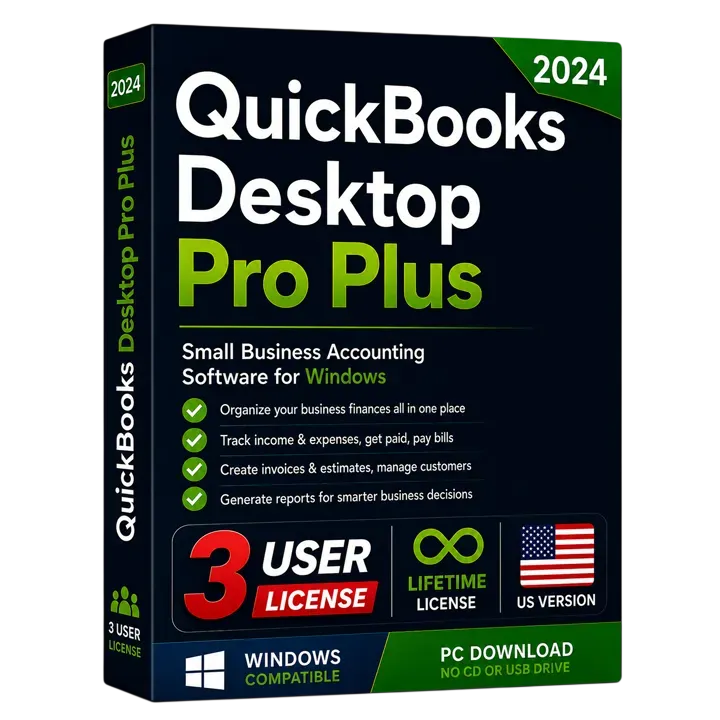
QuickBooks Desktop Pro Plus 2024 US Edition (3 Users)
Powerful desktop accounting for up to 3 users. One-time purchase, genuine license key, instant email delivery.
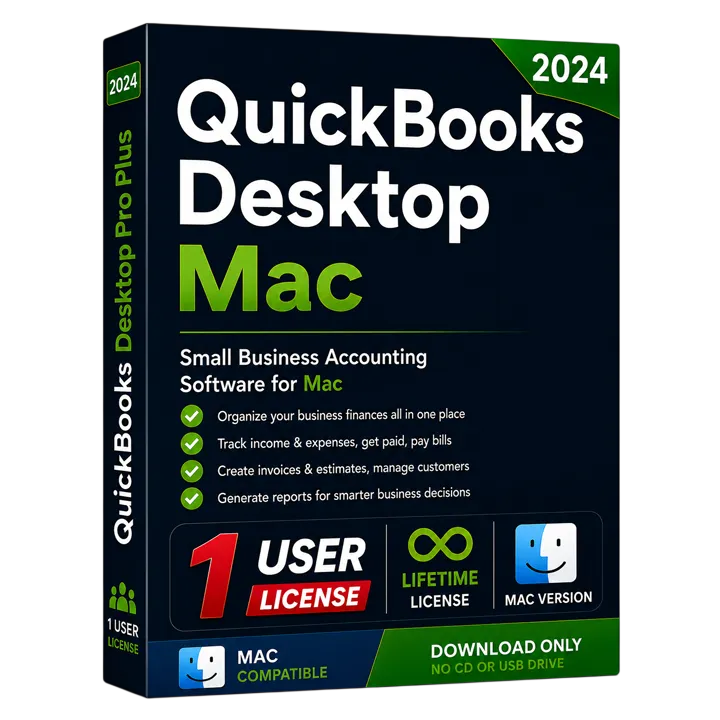 For macOS20241 UserLifetimeOne-Time Payment
QuickBooks Desktop Mac Plus 2024 US Edition
Native QuickBooks Desktop accounting for macOS. One-time purchase, genuine license, instant delivery.
$115.00In StockInstant Delivery
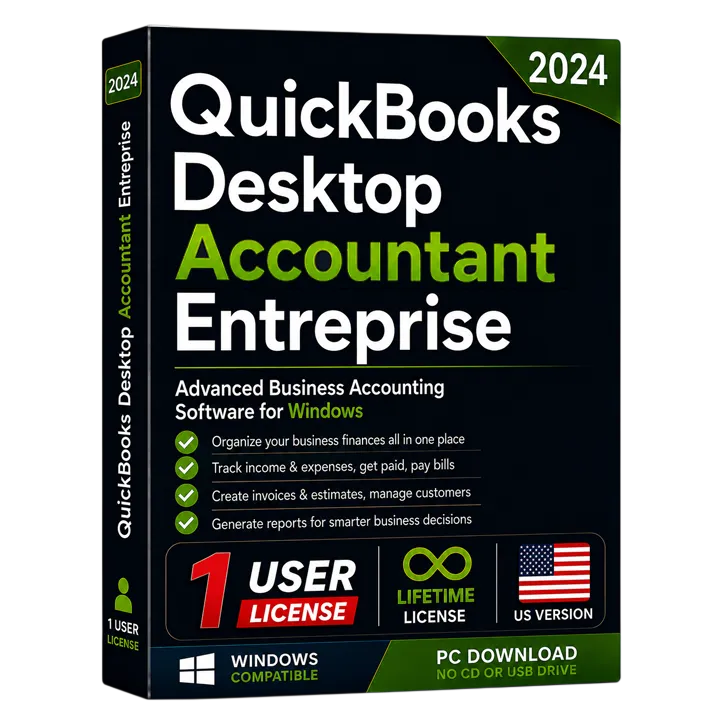 Enterprise + Accountant20241 UserLifetimeOne-Time Payment
QuickBooks Desktop Enterprise Accountant 2024 US Edition (1 User)
Enterprise-scale accounting with the professional accountant toolkit, licensed for a single user. One-time purchase with instant email delivery.
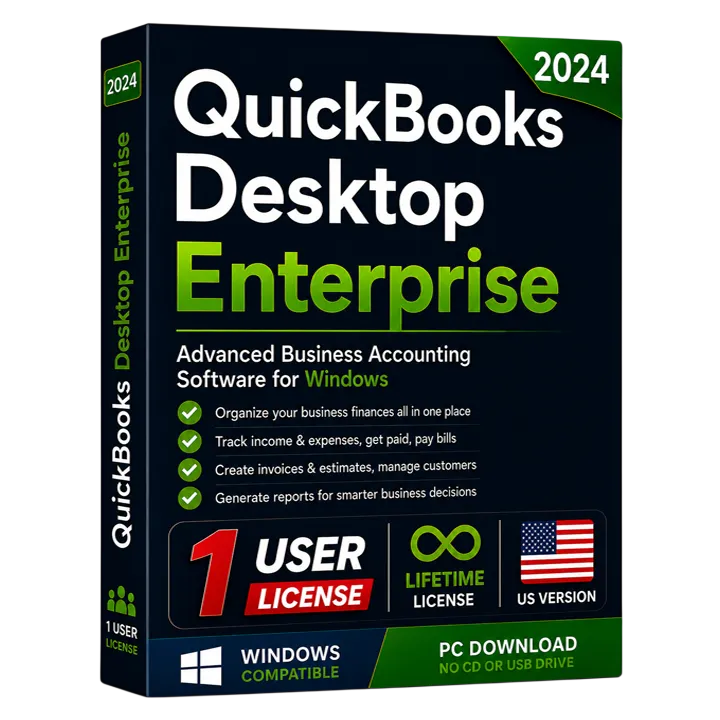 For Larger Teams20241 UserLifetimeOne-Time Payment
QuickBooks Desktop Enterprise Solutions 2024 US Edition (1 User)
Advanced inventory, reporting and capacity for growing businesses, licensed for a single user. One-time purchase with instant email delivery.
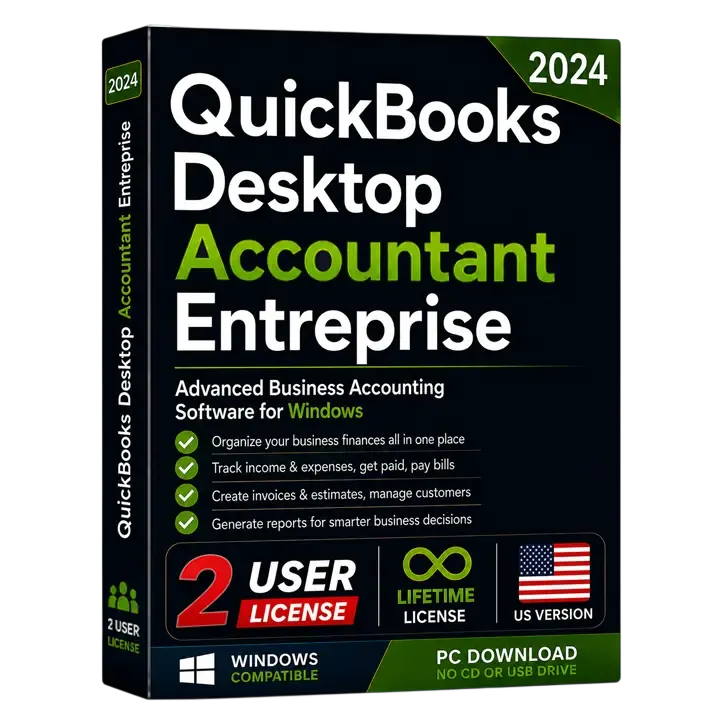 Enterprise + Accountant20242 UsersLifetimeOne-Time Payment
QuickBooks Desktop Enterprise Accountant 2024 US Edition (2 Users)
Enterprise-scale accounting with the professional accountant toolkit, licensed for up to 2 simultaneous users. One-time purchase with instant email delivery.
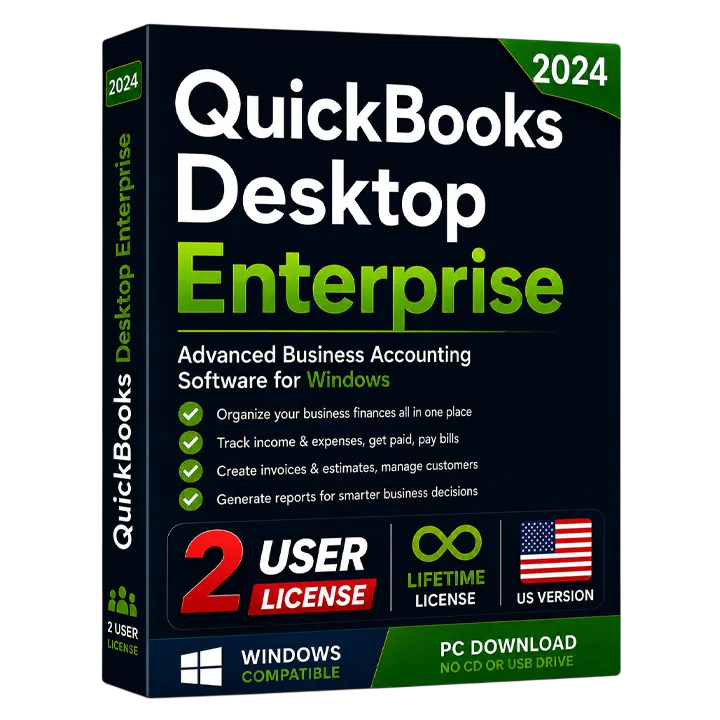 For Larger Teams20242 UsersLifetimeOne-Time Payment
QuickBooks Desktop Enterprise Solutions 2024 US Edition (2 Users)
Advanced inventory, reporting and capacity for growing businesses, licensed for up to 2 simultaneous users. One-time purchase with instant email delivery.
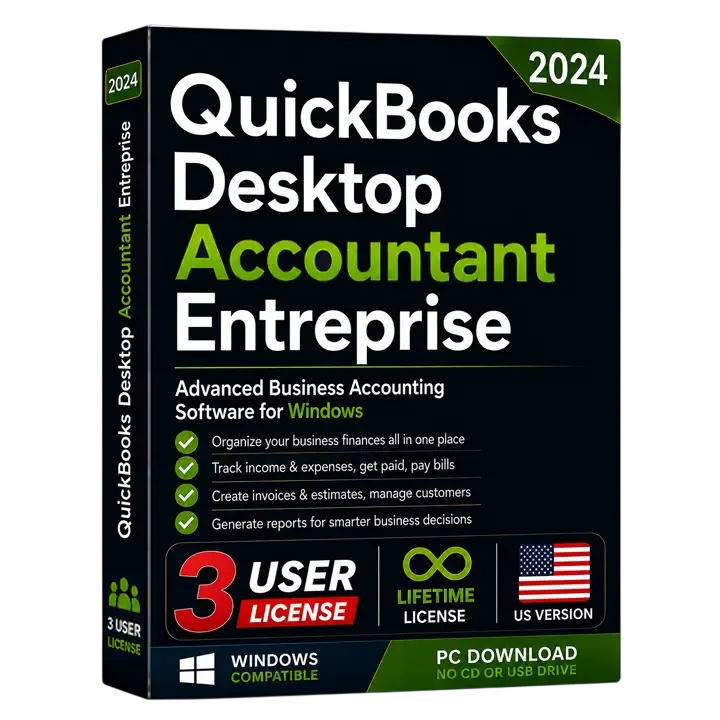 Enterprise + Accountant20243 UsersLifetimeOne-Time Payment
QuickBooks Desktop Enterprise Accountant 2024 US Edition (3 Users)
Enterprise-scale accounting with the professional accountant toolkit, licensed for up to 3 simultaneous users. One-time purchase with instant email delivery.
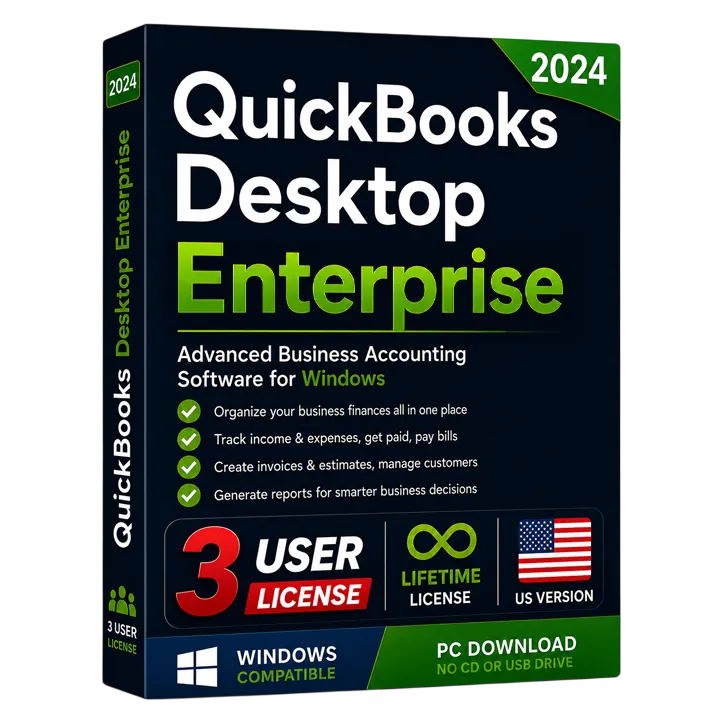 For Larger Teams20243 UsersLifetimeOne-Time Payment
QuickBooks Desktop Enterprise Solutions 2024 US Edition (3 Users)
Advanced inventory, reporting and capacity for growing businesses, licensed for up to 3 simultaneous users. One-time purchase with instant email delivery.
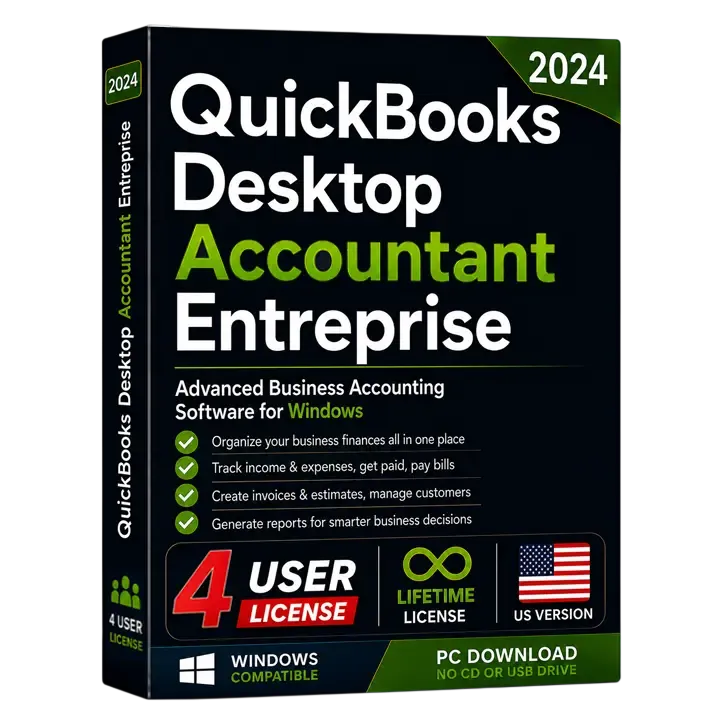 Enterprise + Accountant20244 UsersLifetimeOne-Time Payment
QuickBooks Desktop Enterprise Accountant 2024 US Edition (4 Users)
Enterprise-scale accounting with the professional accountant toolkit, licensed for up to 4 simultaneous users. One-time purchase with instant email delivery.
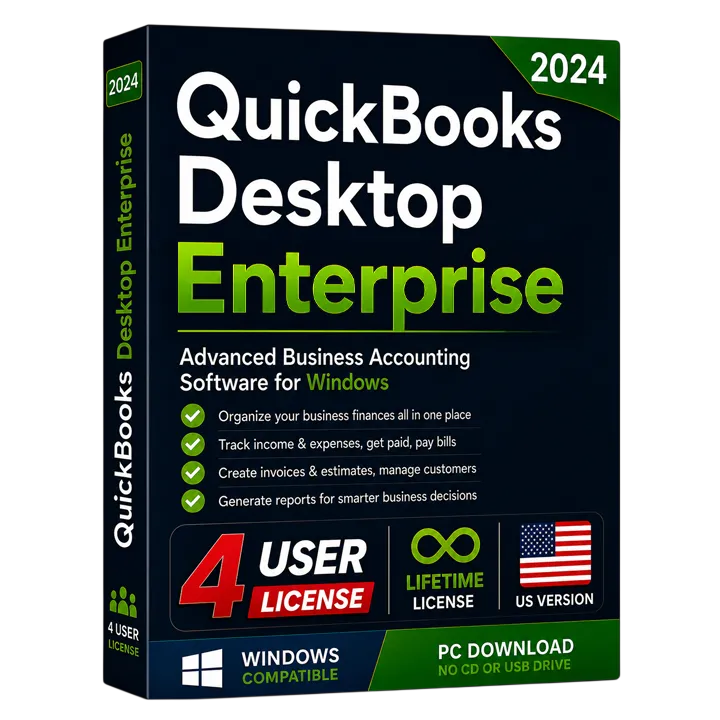 For Larger Teams20244 UsersLifetimeOne-Time Payment
QuickBooks Desktop Enterprise Solutions 2024 US Edition (4 Users)
Advanced inventory, reporting and capacity for growing businesses, licensed for up to 4 simultaneous users. One-time purchase with instant email delivery.
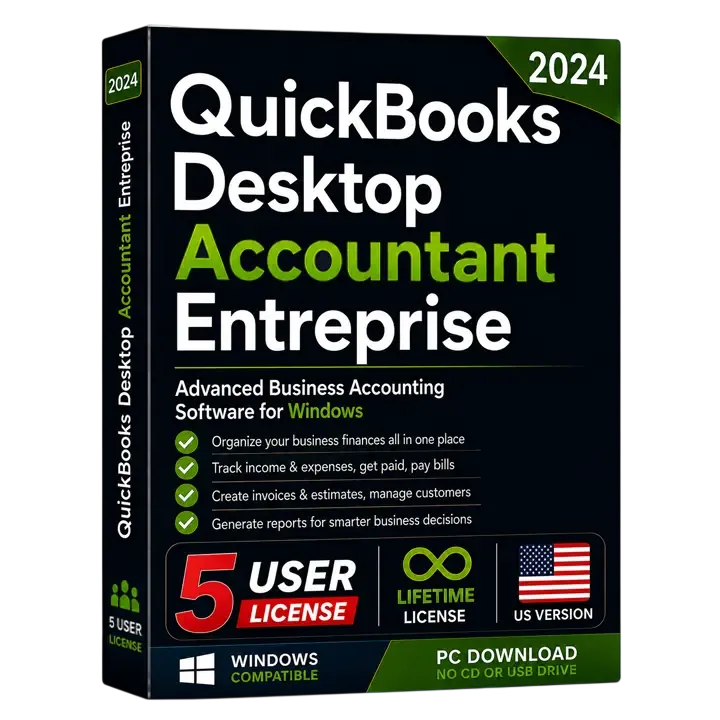 Enterprise + Accountant20245 UsersLifetimeOne-Time Payment
QuickBooks Desktop Enterprise Accountant 2024 US Edition (5 Users)
Enterprise-scale accounting with the professional accountant toolkit, licensed for up to 5 simultaneous users. One-time purchase with instant email delivery.
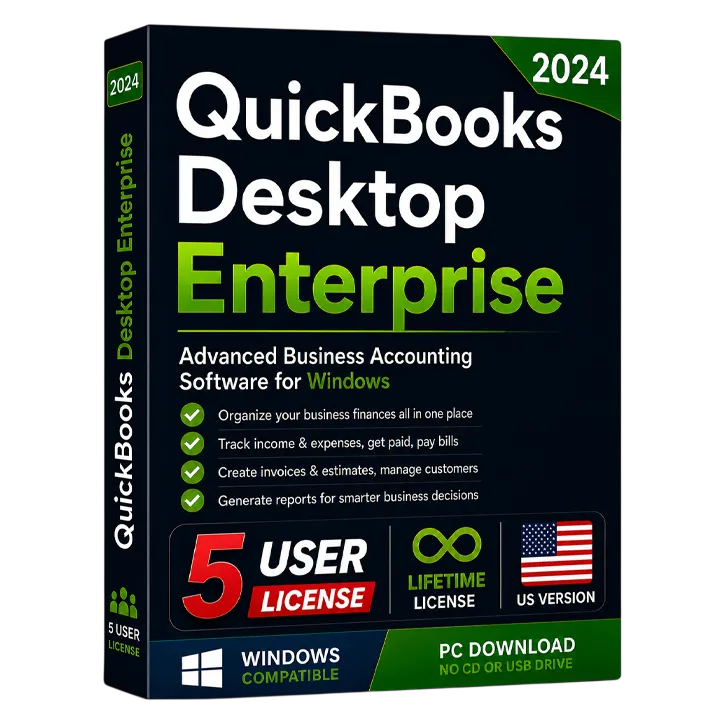 For Larger Teams20245 UsersLifetimeOne-Time Payment
QuickBooks Desktop Enterprise Solutions 2024 US Edition (5 Users)
Advanced inventory, reporting and capacity for growing businesses, licensed for up to 5 simultaneous users. One-time purchase with instant email delivery.